Appearance
Nationals Entries
To register for nationals competitions, the competition organisers will specify which of your entries are eligible for entry.
Step 1: Go To the Entries Section
Navigate to the Entries section of the competition, where you will see the option to "Add Qualified Entries" or "Add Other Entries".
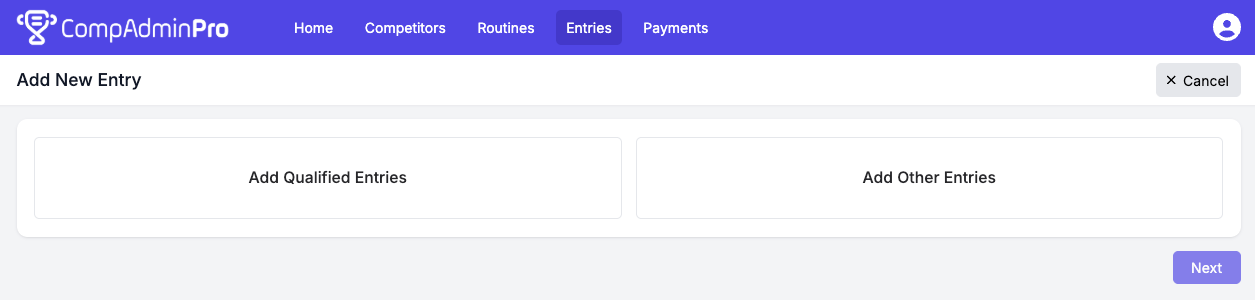
Step 2: Click "Add Qualified Entries"
This will display a list of your entries that are eligible for the nationals competition.
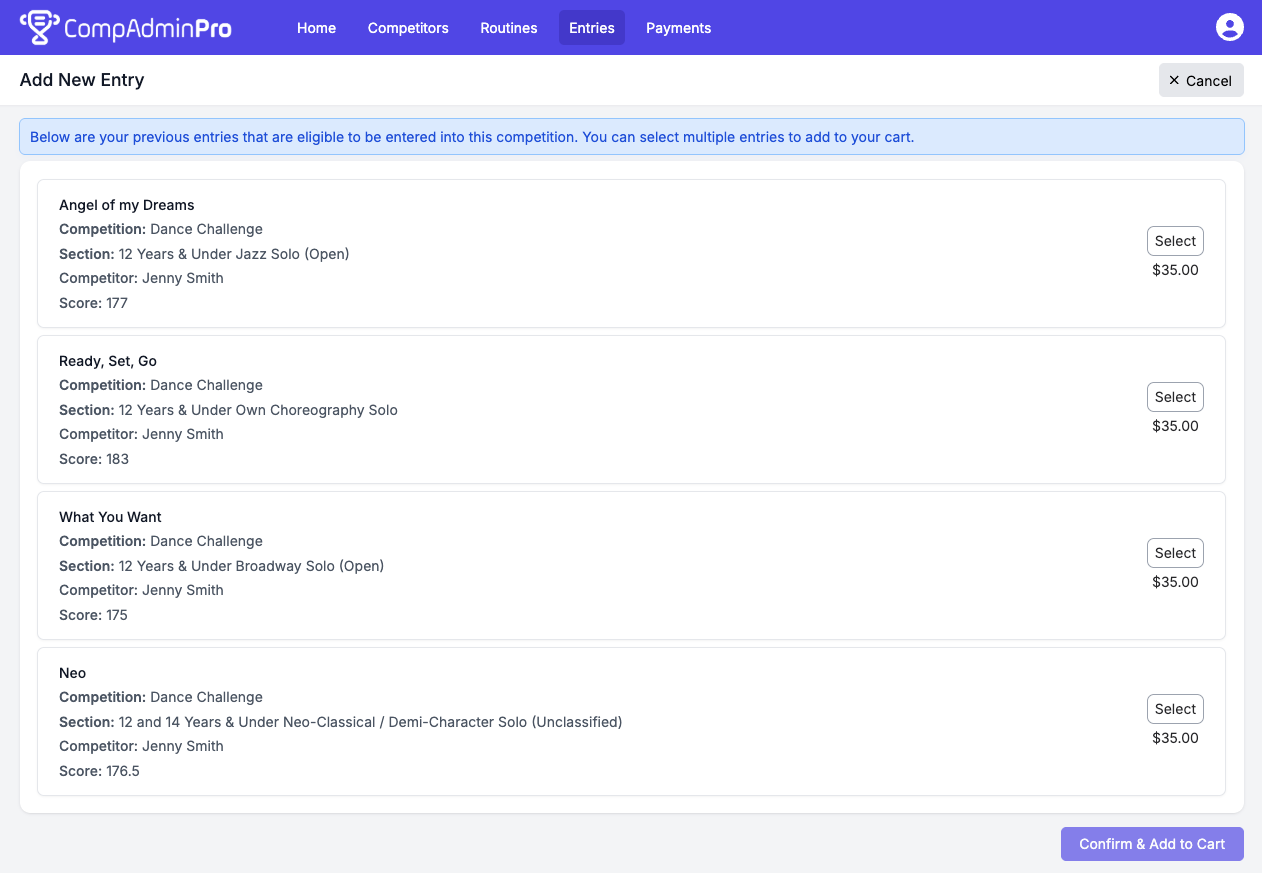
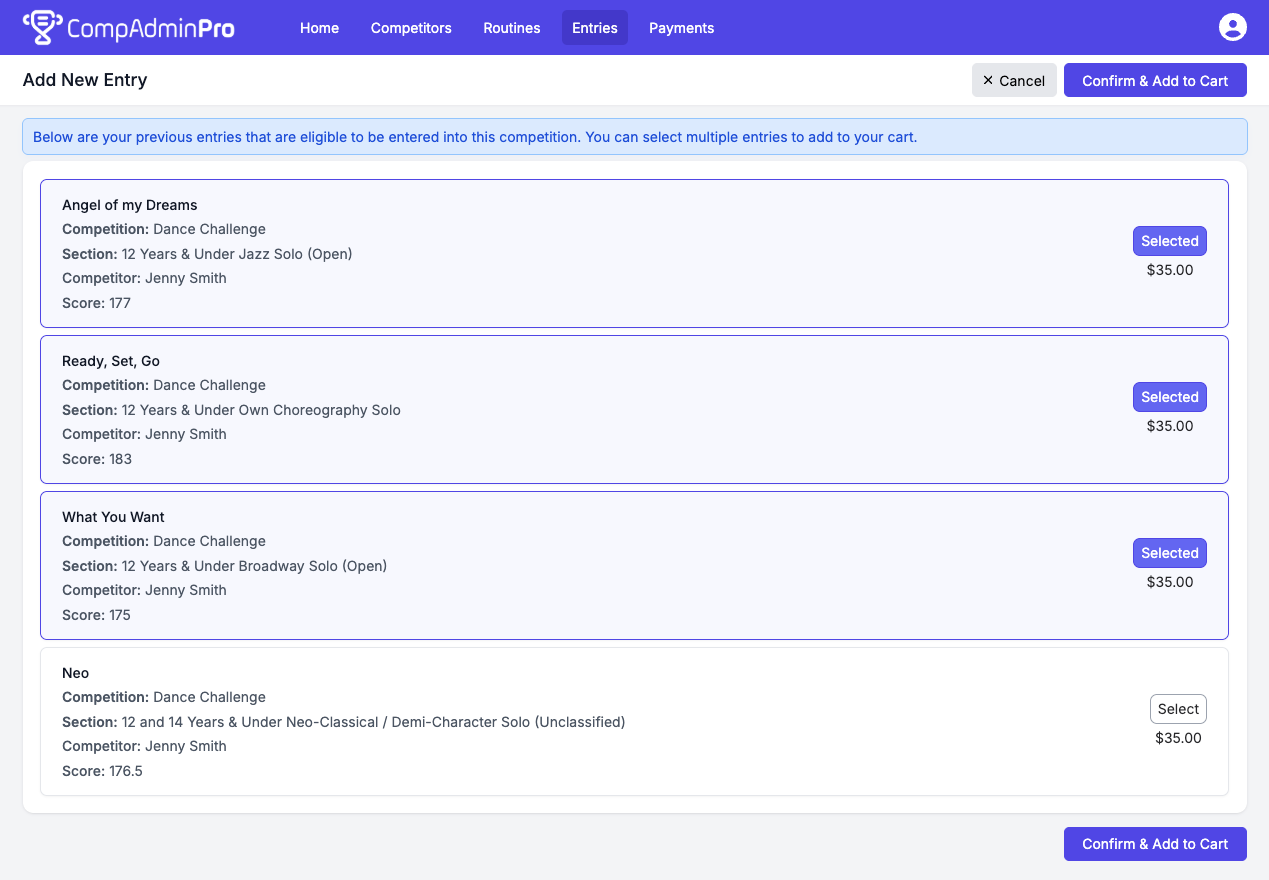
Step 3: Select Entries
Click the entries you wish to enter (this will indicate as being "Selected"), once you have selected the ones you want, click "Confirm & Add to Cart".
Step 4: (Optional) Add Other Entries
When you need to add other entries that may not be listed as qualified entries, you can click "Add Other Entries" on the "Add New Entry" age. This will allow you to add additional routines.